Best WordPress Plugins to Boost Performance, Design, and Functionality
WordPress is an incredibly powerful and flexible platform — but its true potential is unlocked with the right plugins. Whether you’re building a blog, business website, or online store, using the best WordPress plugins can dramatically improve your site’s performance, enhance its design, and add advanced functionality without needing to code.
In this blog, we’ll explore top plugin recommendations across three key areas: performance, design, and functionality — to help you create a fast, user-friendly, and feature-rich website.
⚡ Best WordPress Plugins for Performance
-
Why it’s great: This is one of the most powerful and widely used caching plugins available for WordPress, known for delivering noticeable improvements in site speed with minimal configuration. Even beginners can quickly enhance their website’s performance without diving deep into complex settings.
Key Features:
-
Page Caching: Stores static versions of your pages so they load instantly for visitors, reducing server load and improving response times.
-
GZIP Compression: Compresses your website’s files to reduce their size, enabling faster data transfer between your server and users’ browsers.
-
Lazy Loading: Delays the loading of images and videos until they are needed (as users scroll), which greatly speeds up initial page load times.
-
Database Optimization: Cleans up your WordPress database by removing unnecessary data like post revisions, spam comments, and transient options—resulting in smoother and faster performance.
Overall, this plugin is an excellent choice for improving website speed, enhancing user experience, and boosting SEO—without requiring extensive technical knowledge.
Smush
-
-
LiteSpeed Cache
-
Why it’s great: This plugin is specifically optimized for websites hosted on LiteSpeed servers, making it one of the most efficient and high-performance tools available for speeding up WordPress sites. It takes full advantage of the LiteSpeed server’s built-in capabilities, delivering lightning-fast load times, reduced server load, and improved overall user experience. While it works best on LiteSpeed hosting, it also offers features that benefit non-LiteSpeed environments.
Key Features:
-
Advanced Caching: Offers powerful server-level page caching, including support for private and public caches, which significantly reduces page load times for returning visitors.
-
Image Optimization: Automatically compresses and serves optimized images, helping to lower page weight without sacrificing image quality.
-
CDN Integration: Seamlessly integrates with content delivery networks (CDNs) to serve your content from multiple global locations, speeding up access for users no matter where they are.
This plugin is particularly well-suited for high-traffic websites or anyone serious about performance optimization. When combined with LiteSpeed hosting, it unlocks maximum speed potential—making it a top choice for site owners focused on both performance and scalability.
Design plugins help you build beautiful, responsive layouts and enhance user experience.
Elementor
-
-
Kadence Blocks
-
Envira Gallery
-
Yoast SEO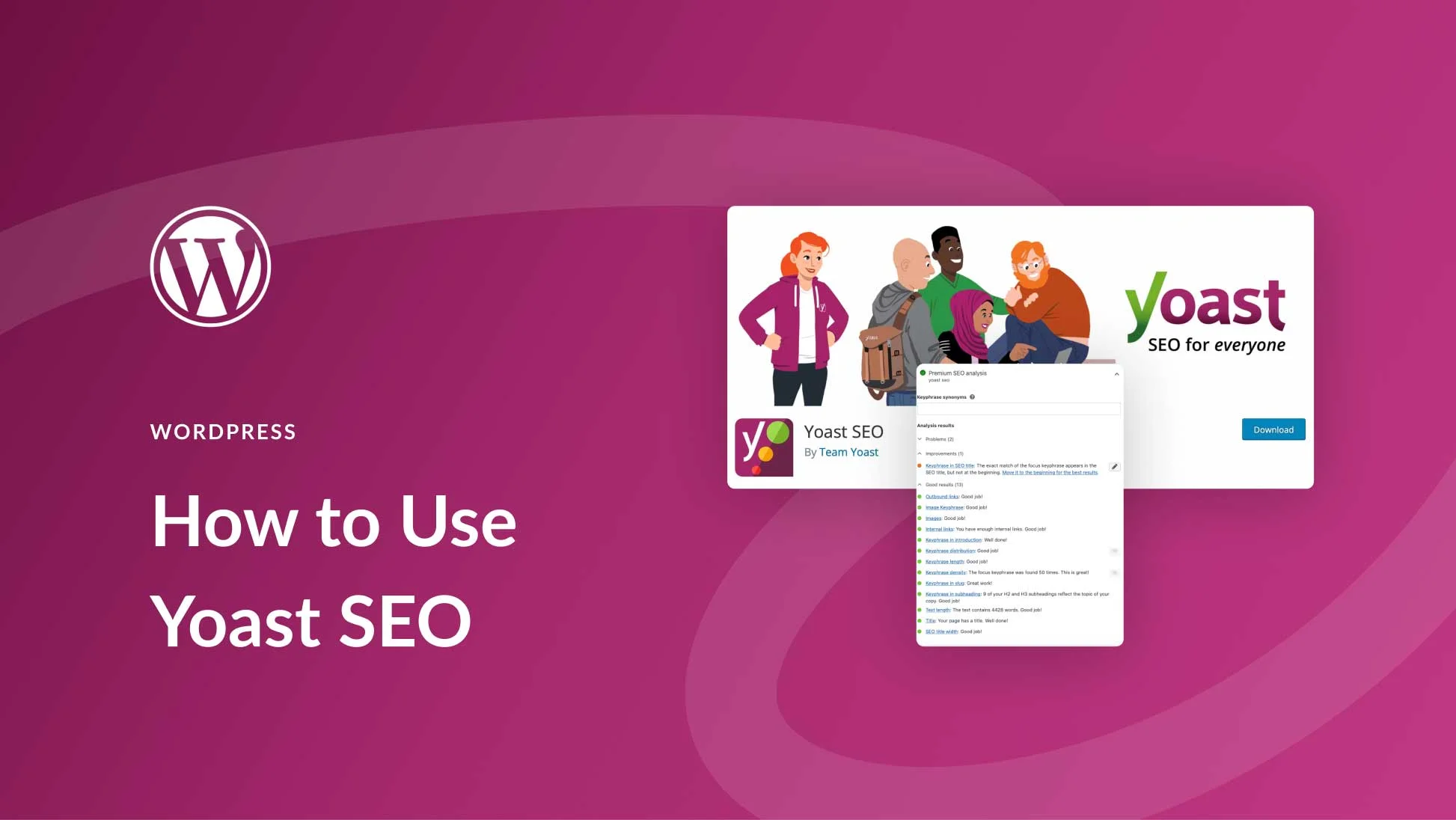
-
WPForms
-
Wordfence Security
-
WooCommerce
-
🧩 Bonus Tips for Choosing the Right Plugins
- ✅ Keep it minimal: Only install plugins you truly need to avoid slowing down your site.
- ✅ Verify compatibility: Make sure plugins are compatible with your WordPress version and theme.
- ✅ Look at reviews & updates: Choose well-maintained plugins with good user ratings.
- ✅ Test before going live: Use a staging site to test new plugins safely.Final Thoughts
With thousands of options available, finding the best WordPress plugins can feel overwhelming — but the right set of tools can make all the difference. By focusing on plugins that improve performance, enhance design, and expand functionality, you’ll build a WordPress site that’s not only beautiful and efficient but also ready to grow.